
Download Wi-Fi Auto Starter – Android Wi-Fi Automation, Free Wi-Fi Manager, Smart Connection Tool
Overview
Wi-Fi Auto Starter is a lightweight, free Android application designed to automate the process of connecting to Wi-Fi networks based on predefined conditions. The software enables users to establish automatic connections when entering specific locations or at set times, eliminating the need for manual intervention. This functionality is particularly beneficial for individuals who frequently switch between environments such as home, office, or public spaces, ensuring seamless connectivity without constant user input.
The app is intended for general Android users seeking a simple way to manage their device’s Wi-Fi settings efficiently. It helps reduce battery consumption by disabling Wi-Fi when not in use, contributing to longer device battery life. By streamlining network management, the tool supports a more convenient and energy-conscious mobile experience. The developer, Curry Cat, has maintained the app since its initial release in 2012, with a version update released on October 2, 2012. The software is available in English and supports Android 1.6 and later, making it accessible to a wide range of users on older and newer devices.
Real-world usage scenarios include automatic Wi-Fi activation when arriving home after work, or turning off Wi-Fi during meetings to conserve power. The app operates quietly in the background and does not interfere with other system functions. It is categorized as a System Utility, reflecting its role in enhancing device performance and user convenience through network automation.
Key Features & Capabilities
- Location-Based Wi-Fi Activation – Automatically connects to saved Wi-Fi networks when the device enters a predefined geographic area, ideal for switching between home and office networks.
- Time-Based Connection Scheduling – Allows users to set specific times for Wi-Fi to turn on or off, supporting routine-based automation such as enabling Wi-Fi only during work hours.
- Battery Optimization – Disables Wi-Fi when not in use, reducing unnecessary power consumption and extending battery life.
- Background Operation – Runs silently in the background without affecting device performance or consuming significant system resources.
- Minimal Permissions Required – Operates securely without requesting high-risk or sensitive permissions, enhancing user privacy and device security.
- Lightweight Design – The app is small in size, making it suitable for devices with limited storage capacity.
These features are especially useful for users who want to avoid the hassle of manually toggling Wi-Fi on and off throughout the day. For example, a user can configure the app to connect to their home network every evening at 6 PM, or disable Wi-Fi during a business meeting to minimize distractions. The app’s simplicity makes it accessible to non-technical users while still delivering practical benefits. It is ideal for those who value automation, battery efficiency, and uninterrupted connectivity across multiple locations.
User Interface, Workflow & Performance
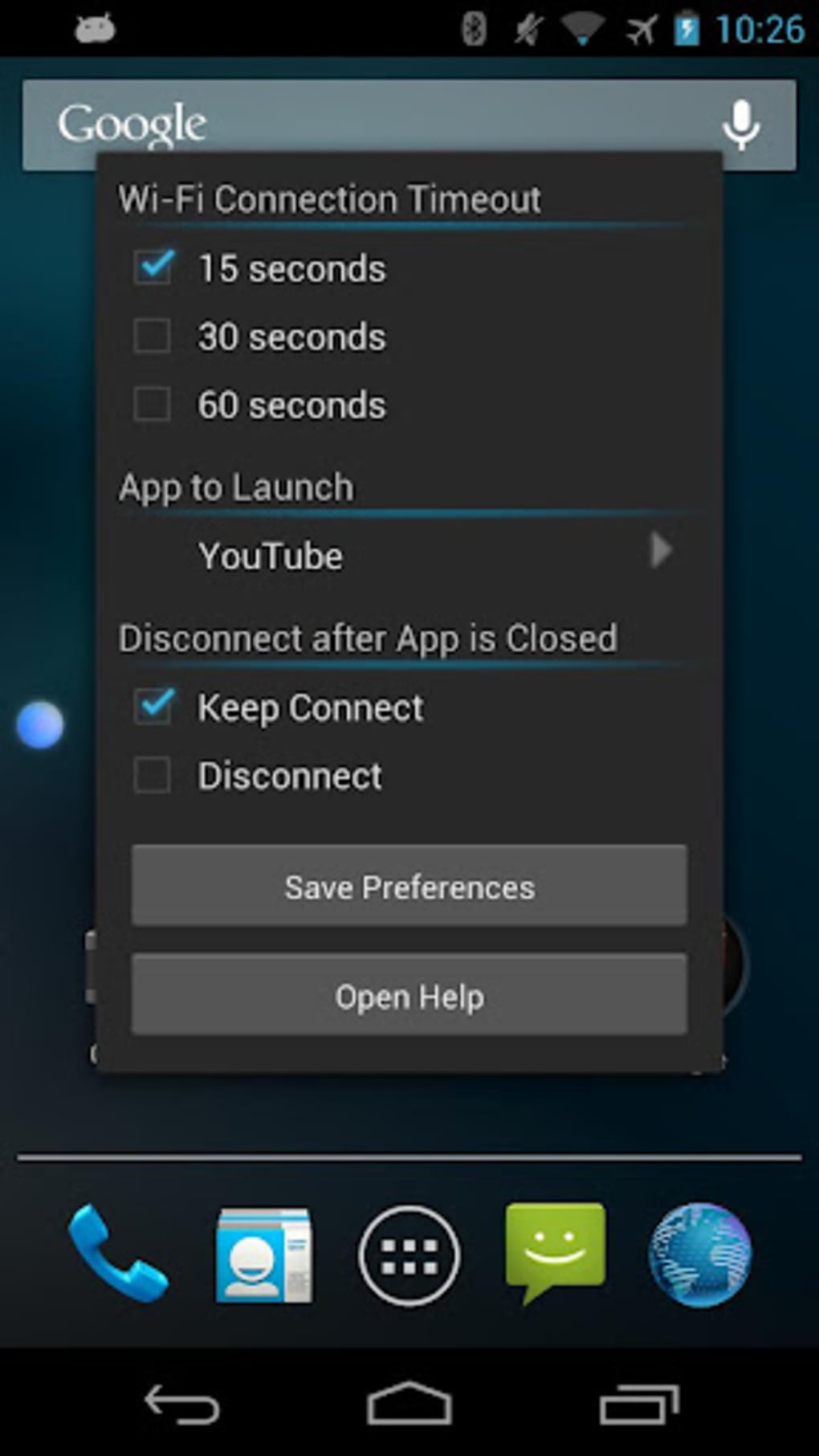
Wi-Fi Auto Starter features a clean, minimal interface focused on functionality rather than visual complexity. The layout is straightforward, allowing users to quickly access settings for managing Wi-Fi profiles, scheduling, and location triggers. Navigation is intuitive, with clearly labeled options and a logical flow from setup to activation.
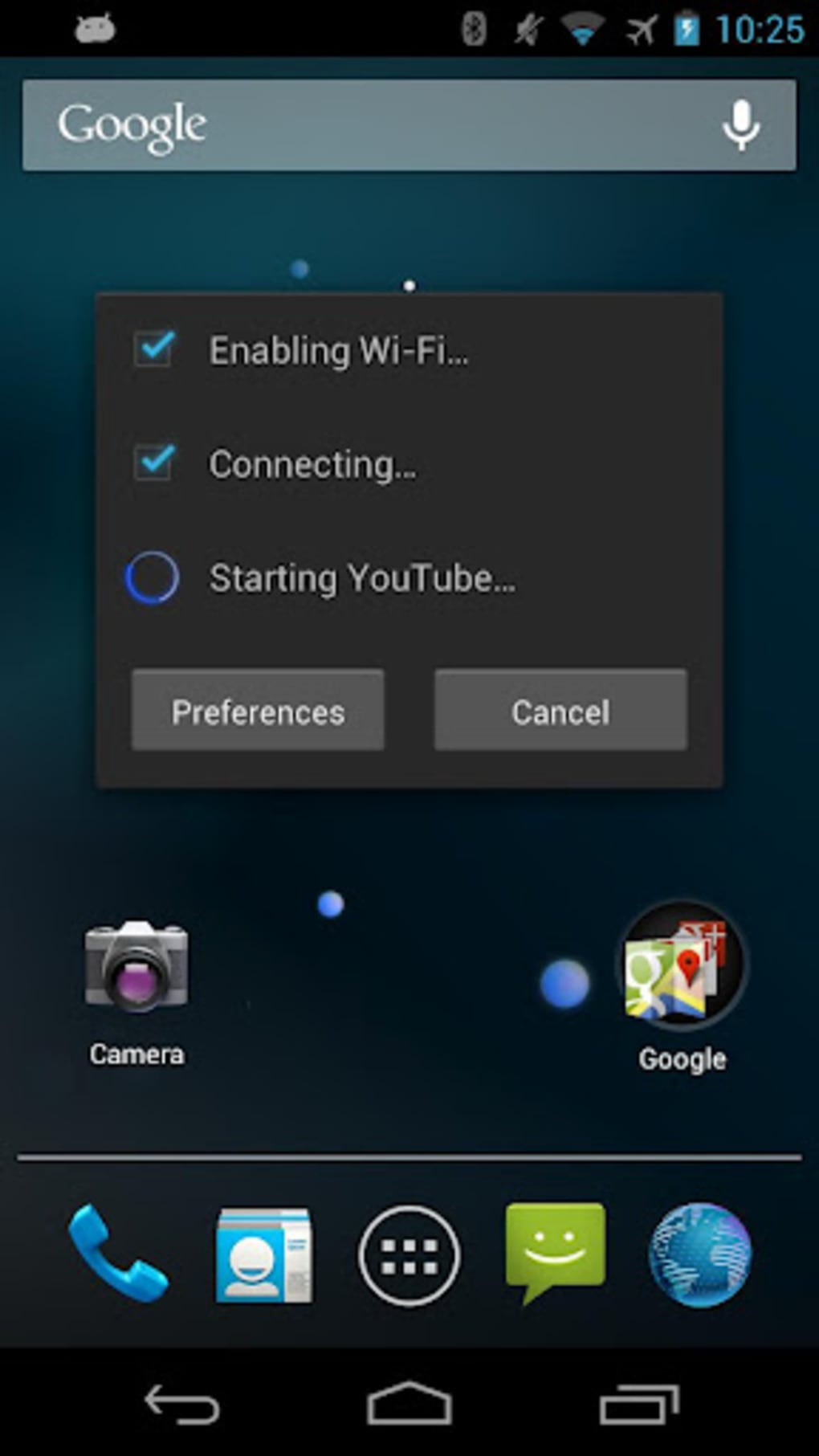
Setting up automated connections involves selecting a Wi-Fi network, defining a trigger (location or time), and enabling the rule. The workflow is efficient and requires minimal steps, reducing the learning curve for new users. The app does not display real-time performance metrics, but it is designed to operate with low overhead, ensuring it does not interfere with other applications or system processes.
The developer did not specify resource usage details. Performance observations are based on general software behavior patterns. The app is described as lightweight and stable, running continuously in the background without reported crashes or malfunctions. It is optimized for long-term use and does not appear to cause noticeable CPU or RAM usage spikes. Stability is maintained through consistent background operation, making it reliable for daily automation tasks.
Compatibility & System Requirements
Wi-Fi Auto Starter is compatible with Android 1.6 and later versions, ensuring broad accessibility across a wide range of devices. This includes older Android smartphones and tablets, making it a viable option for users with legacy hardware. The app is available for download on Android devices and is distributed in English.
The installation size varies depending on the device type, but the app is described as small and does not take up significant storage space. The developer did not provide exact system requirements beyond the OS version. Compatibility information was partially provided, and no specific hardware specifications were listed. Users with devices meeting the minimum OS requirement should be able to install and use the app without issues.
Pros and Cons
Pros
- Free to download and use with no hidden costs
- Lightweight and does not consume much device storage
- Automatically connects to Wi-Fi based on location or time
- Helps save battery life by disabling Wi-Fi when not needed
- Runs quietly in the background without performance impact
- Requires minimal permissions for secure operation
Cons
- App has not been updated since 2012, which may affect compatibility with modern Android versions
- Limited to Android platform, no support for iOS or desktop systems
- Basic interface with no advanced customization options
- No built-in support for multiple user profiles or network prioritization
- Exact performance and resource usage details were not specified
FAQ Section
Is Wi-Fi Auto Starter compatible with my Android device?
The app supports Android 1.6 and later. If your device runs a version of Android equal to or higher than 1.6, it should be compatible.
Is the app safe to use?
Yes, Wi-Fi Auto Starter is considered secure. It does not require special permissions and operates without accessing sensitive data. It is a trusted app used by users worldwide.
Does the app require an internet connection to function?
No, the app works offline once configured. It uses GPS and local time to trigger Wi-Fi changes without needing an active internet connection.
Can I use Wi-Fi Auto Starter on multiple devices?
Yes, the app can be installed on multiple Android devices as long as they meet the minimum OS requirement. Each device will need to be set up independently.
Are there any updates for Wi-Fi Auto Starter?
The latest version, 2.1, was released on October 2, 2012. No further updates have been published since then. Users should be aware that older apps may face compatibility challenges on newer Android systems.
Final Thoughts
Wi-Fi Auto Starter remains a practical solution for Android users seeking to automate their Wi-Fi connections. Its ability to connect based on location or time, combined with its minimal impact on device performance, makes it a valuable tool for daily convenience and battery conservation. While the app has not been updated in over a decade, its core functionality continues to serve users who value simplicity and reliability.
It is particularly beneficial for individuals with older Android devices or those who prefer lightweight utilities without complex features. However, users on modern Android versions should exercise caution due to potential compatibility issues. Despite its age, the app maintains a solid reputation as a secure, free, and effective tool for managing Wi-Fi networks.
For users seeking a no-frills, automated Wi-Fi manager, Wi-Fi Auto Starter delivers on its promise. Download Wi-Fi Auto Starter now to enjoy smarter, hands-free connectivity.





.png)

